
Put anyone on air in 30 seconds
Send your guest a link. They tap it, type their name, and they are live on your station. No account. No app. Nothing to install on anybody’s machine.
The reason your show does not have guests was never that people say no. It is the twenty minutes before the show.
On air in 5 minutes · Co-host Live included on Pro and up
The whole setup, start to finish
You send a link
Start a room from your dashboard and share the invite however you already talk to people — text, WhatsApp, email. There is a QR code for the person sitting across from you, and a 6-character code for the one who cannot handle a link.
They tap it and type their name
That is the entire setup. No account to create, no password, no app to install, no software to download. Their phone browser works. So does their laptop, and the wifi in whatever hotel they are calling from.
They are live on your station
Not a recording you will edit on Thursday — live, on air, right now. Everyone in the room hears each other instantly, with none of the delay your listeners hear on the stream.
And if your guest runs a station too — it airs on both
One conversation, broadcast live on every participating station at the same time. Your listeners hear it. Theirs hear it. Same show, same second — and each station keeps its own branding, its own sound and its own numbers.
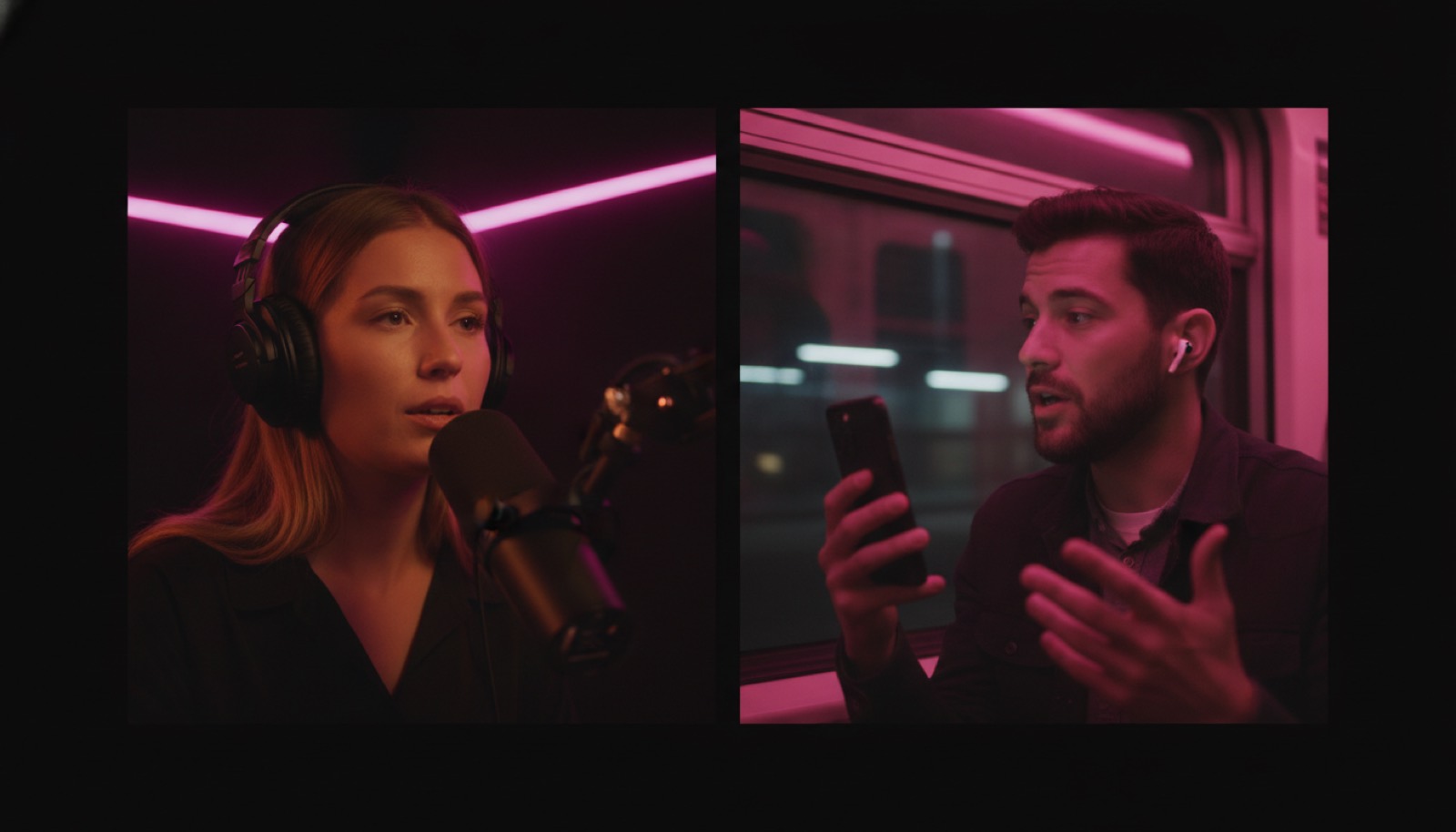
A real conversation. Hosts and guests hear each other instantly — no stream delay in the room.
Guests bring nothing. A link, a QR code or a 6-character code, from any phone browser.
Up to a dozen in a room. Panel shows, roundtables, call-ins — the same invite seats all of them.
Built for shows that need people, not playlists
If your format is a conversation, the guest is the product. Everything here exists to remove the twenty minutes between “will you come on” and “you’re on”.
Talk & interview shows
Book the guest who says yes this afternoon. The best interview you can get is the one that does not need a week of scheduling and a setup call.
Churches & ministries
Bring the guest speaker on from wherever they are — another city, another country, the mission field. They join from the phone in their pocket.
News & community radio
Get the councilman, the coach, or the neighbour who was actually there onto the air while the story is still happening.
Questions people ask first
- Does my guest need a Nobex account?
- No. Guests join from a link, a QR code, or a 6-character code, and the only thing they are ever asked for is a display name. No email, no password, no signup of any kind.
- Do they need to install anything?
- No. It runs in the browser they already have. Phone, tablet or laptop — they tap the link and they are in the room.
- How many people can be in one show?
- Up to a dozen, including you. That is enough for a panel, a roundtable, a debate, or a call-in segment where three people are queued up at once.
- What if my guest also runs a station?
- Then you can co-host instead of hosting. The same live conversation airs on both stations at the same time — your listeners and theirs, same show, same second. Each station keeps its own branding, its own sound and its own listener numbers.
- What happens when the show ends?
- Ending the show takes every station in the room off the live feed and back to normal programming. It also retires that show’s invite links — so if you plan to run the same panel next week, send a fresh link rather than reusing the old one.
- Which plans include Co-host Live?
- Pro, Business and Enterprise. If you are still inside your free test window, you can try it there first.
The best guest is the one who can say yes today
You cannot book that guest if booking them takes a week and a support ticket. Now it takes a text message.
On air in 5 minutes · Co-host Live included on Pro and up