
Learn to run your station like a pro
Step-by-step how-tos and best practices for everything Nobex can do — from your first broadcast to monetizing your audience. Every guide is written for real broadcasters, with screenshots.
Quick Start: Get your station on air in 5 minutes
From sign-up to your first listener — create a station, upload music and start broadcasting 24/7 from the cloud, with no software to install.
Read the guide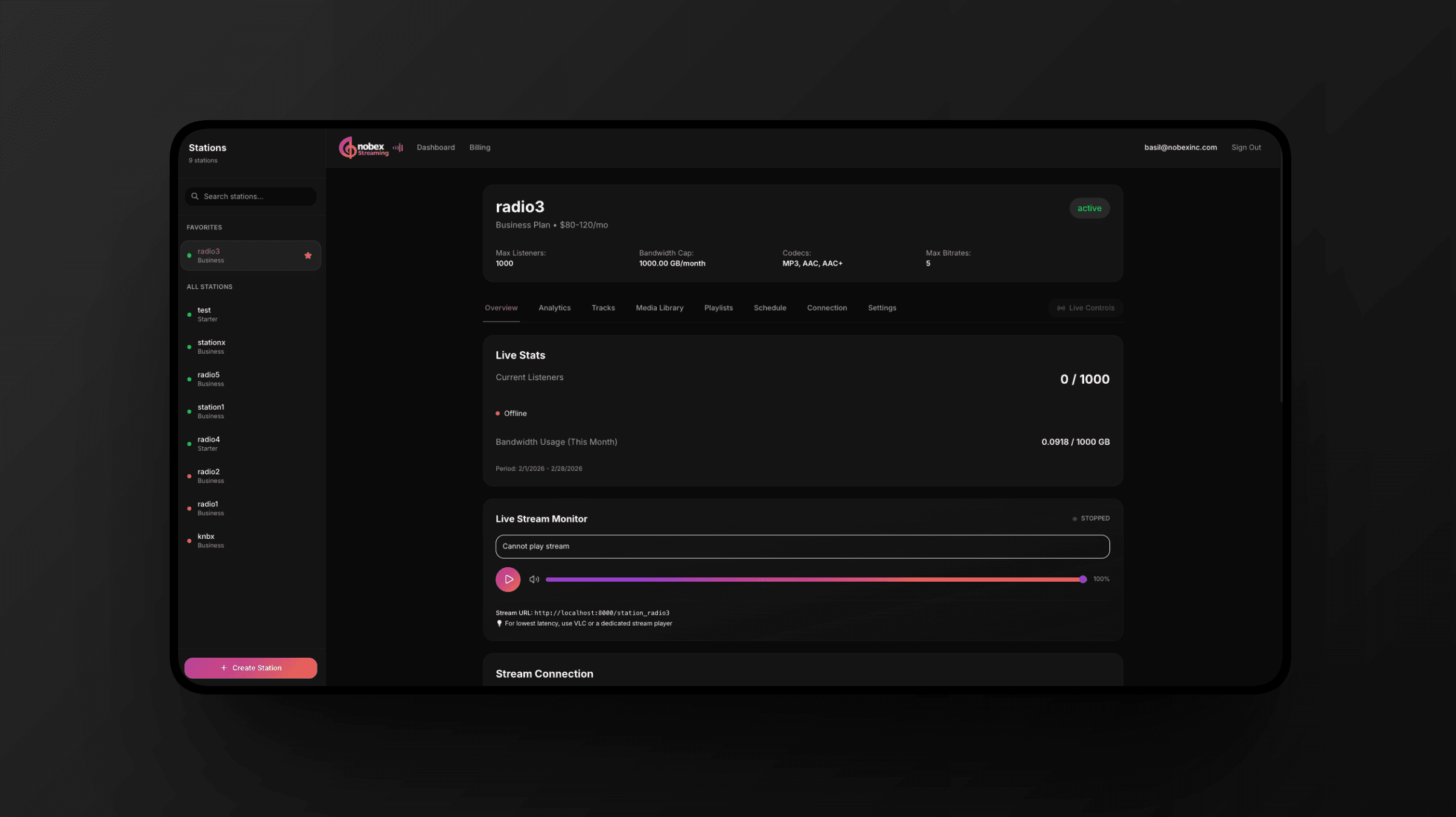
Getting started
Broadcasting
Cloud AutoDJ: run your station 24/7 with no software
Upload your music and let Cloud AutoDJ play it to your stream around the clock — no encoder, no spare computer, no software to install. Start, stop and steer it from one panel.
7 min readGo live from your browser
Put your voice on air in one click, straight from your dashboard microphone — take over the music or talk over a ducked bed, with a live meter, fades and dead-air protection. No software required.
6 min readBroadcast from your phone with the Nobex Broadcaster app
Run your station and go live from anywhere with the Nobex Broadcaster app for iOS and Android — hold to go on air from your phone mic, pick your music source, announce now playing and get a heads-up before every sponsor spot.
6 min readBroadcast from your computer or DJ software
For power users: run 24/7 from your own computer with the Nobex Streaming Agent, or connect OBS, BUTT, Mixxx, Virtual DJ or any Icecast-compatible encoder. Optional — most stations never need it.
7 min readProgramming
Build your music library and playlists
Upload your tracks, keep them tagged and searchable, then shape the sound of your station with playlists and sequential, shuffle or weighted rotation.
7 min readStop shuffling: rule-based rotation, clocks and the schedule log
Program your station the way real radio does — categories that control how often a song plays, an hour clock that decides what plays when, separation rules that pick the specific song, and a schedule log you can read before it airs.
9 min readProgram your week: schedules and shows
Build a weekly clock with schedule blocks, then run recurring shows that air a recording on the day or go live automatically — with a fallback chain that never lets you go silent.
7 min readNow-playing branding and royalty reports
Control the now-playing text listeners see, brand it with a format template and your logo, and export a SoundExchange-ready Report of Use from your play history.
6 min readGrow your audience
Your public page, embed player and sharing
Publish a hosted listen-live page, drop a one-line player onto your own website, and share your station with links and a QR code.
7 min readStream quality and delivery: HLS, MP3 and mounts
How your audio reaches listeners — adaptive HLS over CDN and universal MP3/Icecast — plus stream mounts, codecs, bitrates and the quality picker.
7 min readRecord your shows and publish them as a podcast
Set your station to record itself — when you go live, on a schedule, or per show — then turn any recording into a podcast episode with a feed Apple, Spotify and every other app can subscribe to.
8 min readUnderstand your audience with analytics
Read your live listener stats and bandwidth usage, track listeners over time, and dig into geography, devices, peak times and retention with Advanced Analytics.
6 min readGet your station on Alexa
Listeners can ask a smart speaker for your station by name. It is free, it takes about five minutes, and this is exactly what to fill in so your submission is approved first time.
6 min readMonetization
Managing your account
Plans, billing and managing your subscription
Pick the right plan, understand the free trial and overage cap, and manage everything — upgrades, pauses, streams, payment methods and invoices — from one Subscription page.
6 min readWork as a team: members and DJ accounts
Bring co-hosts, guest DJs and stakeholders onto your station safely — with roles, broadcast-only DJ accounts, an activity log and revocable API credentials.
5 min read