
Broadcast from your phone with the Nobex Broadcaster app
Run your station and go live from anywhere with the Nobex Broadcaster app for iOS and Android — hold to go on air from your phone mic, pick your music source, announce now playing and get a heads-up before every sponsor spot.
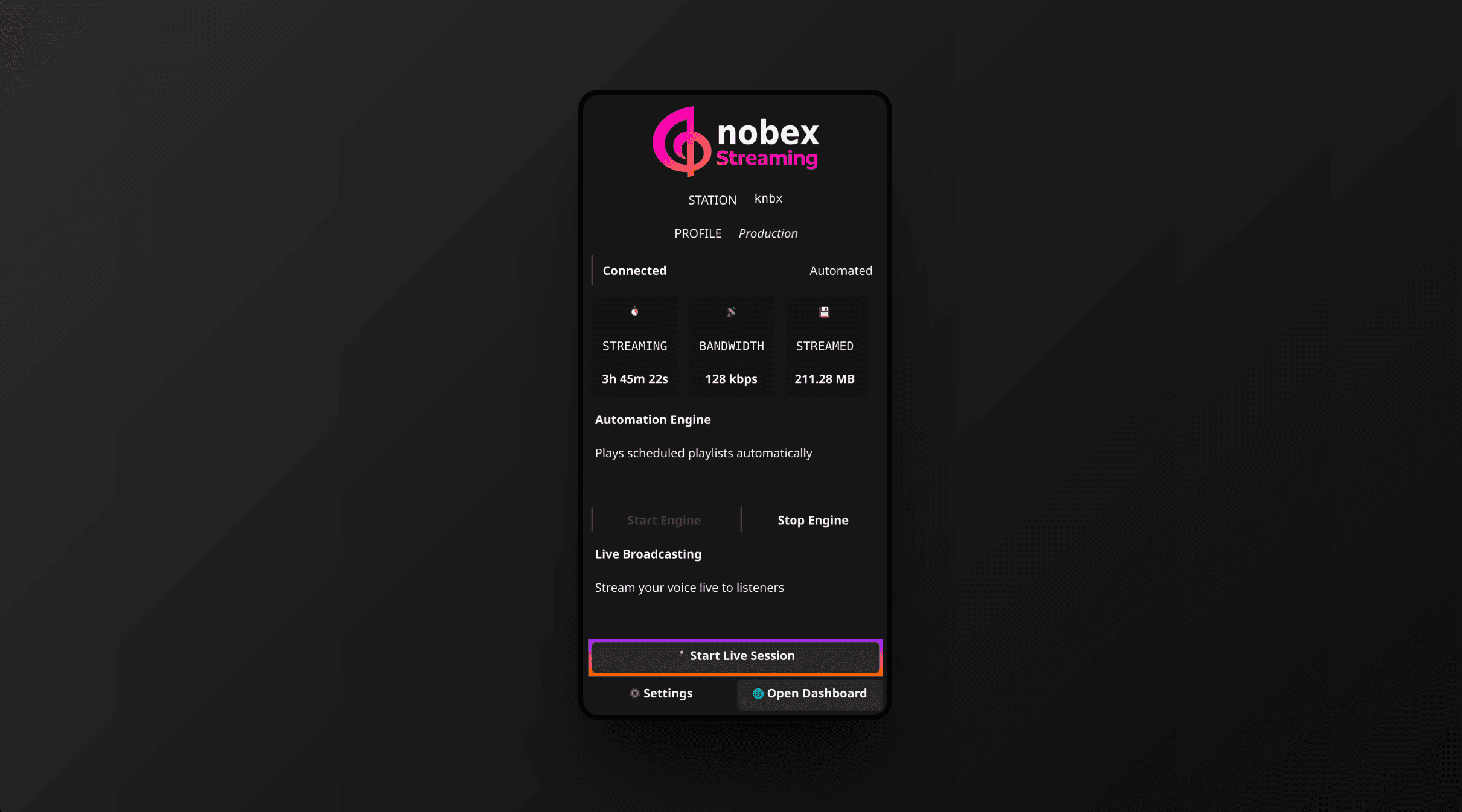
Your station should not be tied to your desk. The Nobex Broadcaster app for iOS and Android puts a full live console in your pocket: start and stop your cloud AutoDJ, go on air from your phone microphone, and keep an eye on listeners and sponsor spots — from a festival, a car park, or your couch.
Accounts are created on the web
The app is for broadcasting, not sign-up. Create your account, create your station and upload your music on the web dashboard first, then sign in on the app to take it live.
Sign in and pick your station
Open the app and you are greeted with Sign in to go on air. Enter the same email and password you use on the web dashboard and tap Sign in. Forgot your password? The Forgot password? link opens the reset page in your browser.
If your account has more than one station, you land on Choose a station — tap the one you want to broadcast. The app remembers your pick, so next time it takes you straight to the console. You can jump back with the Switch station button in the console header any time.
Tip
The app keeps you signed in with a "stay signed in" session, so you are not re-entering your password every time you want to go live.
The live console
Everything happens on one screen — the LIVE CONSOLE. At the top, a status hero shows whether you are off air, on air or live, what is playing now, and your current listener count. Below it sit your controls.
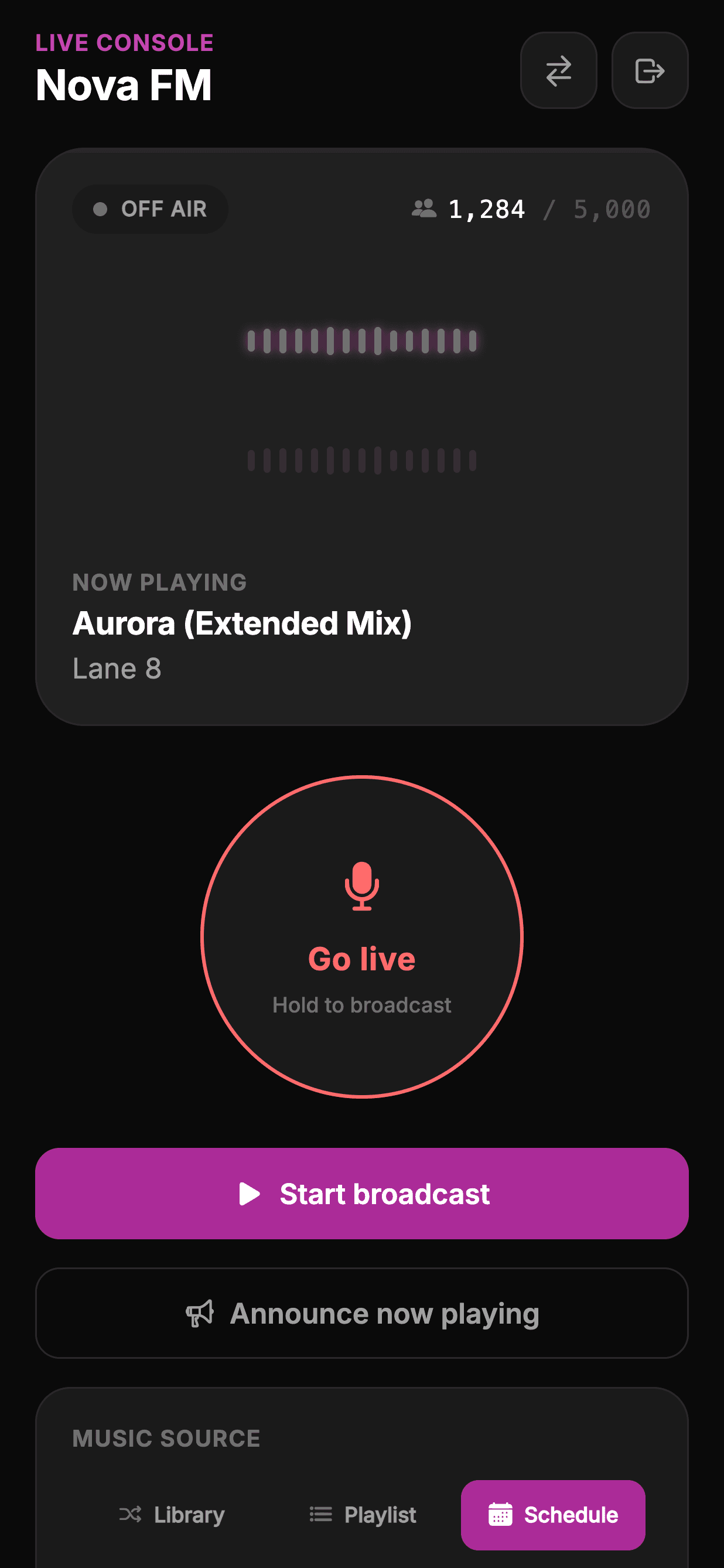
To put your station on air, tap Start broadcast — your cloud AutoDJ starts playing, exactly as it would from the web. Tap Stop broadcast to take it off air. This is the same cloud engine, so the stream keeps running even after you lock your phone or close the app.
Hold to go live
The big red orb is your microphone. Press and hold it to go on air — it charges over a moment with escalating haptic taps, so an accidental brush of the screen can never put you live by mistake. When it completes, you feel a confirming buzz and your phone mic is on the air. Once live, a single tap ends the broadcast.
While you are live, a MIC GAIN slider appears so you can bring your voice up or down without leaving the console. As always, your live mic overrides AutoDJ, which resumes the moment you end the broadcast.
Wear headphones
Going live from a phone speaker invites feedback and echo. Plug in wired or Bluetooth headphones before you hold to go live — your listeners will hear a cleaner broadcast.
Music source and live settings
Under MUSIC SOURCE, choose what AutoDJ plays when you are not live: Library (shuffle your full library), Playlist (your active playlist), or Schedule (follow your programmed schedule). It mirrors the web app's AutoDJ source selector.
Under WHEN YOU'RE LIVE, set how your voice meets the music: Takeover (music pauses) or Talk over (music ducks to a bed under your voice). In talk-over mode a Music bed volume slider appears, and a Fade slider controls the crossfade in and out — the same live controls you have on the web.
Note
Set an active playlist for the Playlist source on the web dashboard first. If you pick Playlist on the phone without one set, the app will ask you to choose it on the web.
Announce now playing
Tap Announce now playing to push a now-playing message to your listeners and players — handy for calling out a track, a live segment or a special guest without changing what is on air.
The ad countdown heads-up
If you run woven sponsor spots, the console gives you a DJ-friendly warning before each one airs. As a spot approaches, an AD BREAK INCOMING banner slides in with a live countdown and escalating haptics at 10, 5 and 3 seconds — so you can wrap your thought and hand off cleanly. When the spot is on air it reads SPONSOR SPOT ON AIR.
Feel the countdown, don't stare at it
The haptics are designed so you can keep talking and still know exactly when the break lands — a light tap at 10 seconds, firmer at 5, a strong buzz at 3. Learn the rhythm and you will never talk over your own sponsor again.
What still happens on the web
The app is your live-broadcast cockpit; the deeper station-building work stays on the web dashboard. Uploading music, building playlists and programming your schedule all happen on the web — then the app plays and steers whatever you have set up.
- On the phone: go live, start/stop AutoDJ, switch source, adjust live settings, announce now playing, watch listeners and sponsor spots.
- On the web: upload and tag music, build and reorder playlists, program the schedule, manage monetization, view analytics.
Keep reading
Ready to put this into practice?
Start a free trial and be on air in under five minutes — no software to install.
Start streaming free