
Your public page, embed player and sharing
Publish a hosted listen-live page, drop a one-line player onto your own website, and share your station with links and a QR code.
Getting on air is only half the job — now people need somewhere to listen. Every Nobex station comes with a hosted public page, a one-line embed player for your own site, and quick share links and a QR code. This guide covers all three and how to make them look their best.
Two things you control separately
Being listed publicly (your page + the directory) and embedding the player are independent. The embed widget works even before you list your station — so you can put a player on your own website while staying out of the public directory.
Your hosted public page
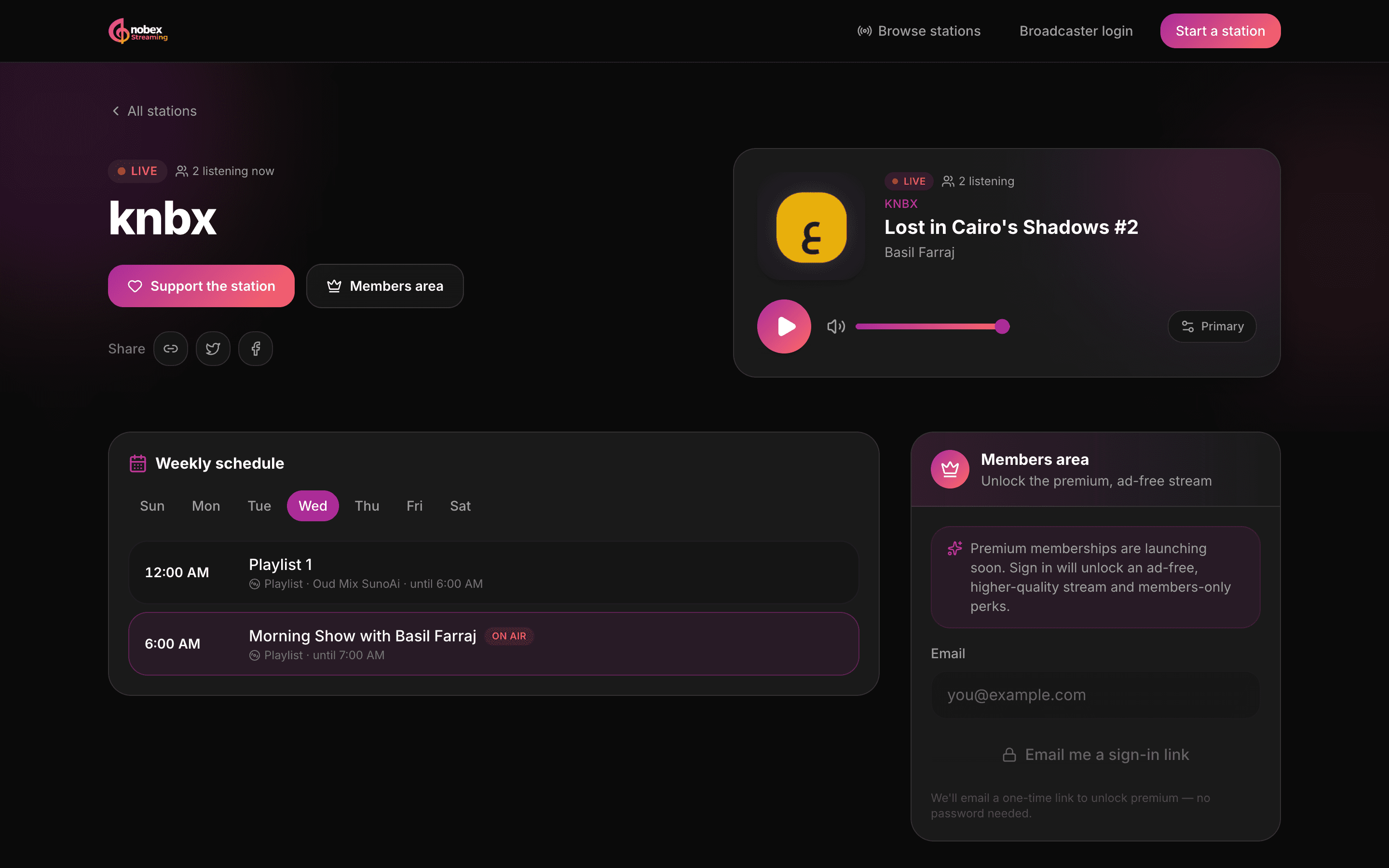
Every station gets a ready-made listen-live page on the Nobex platform — no design work required. It carries a full player with now-playing title and artist, your weekly schedule, an about section, and — if you've turned them on — tips, memberships and share controls. It's search-engine and social friendly, so a shared link unfurls with your logo and description.
The player is adaptive: it quietly picks the best delivery path (CDN-backed HLS first, classic Icecast as a fallback) and reconnects on its own, so your listeners never see a protocol choice — just play and pause. When more than one quality exists, they get a quality picker too.
Publishing your station
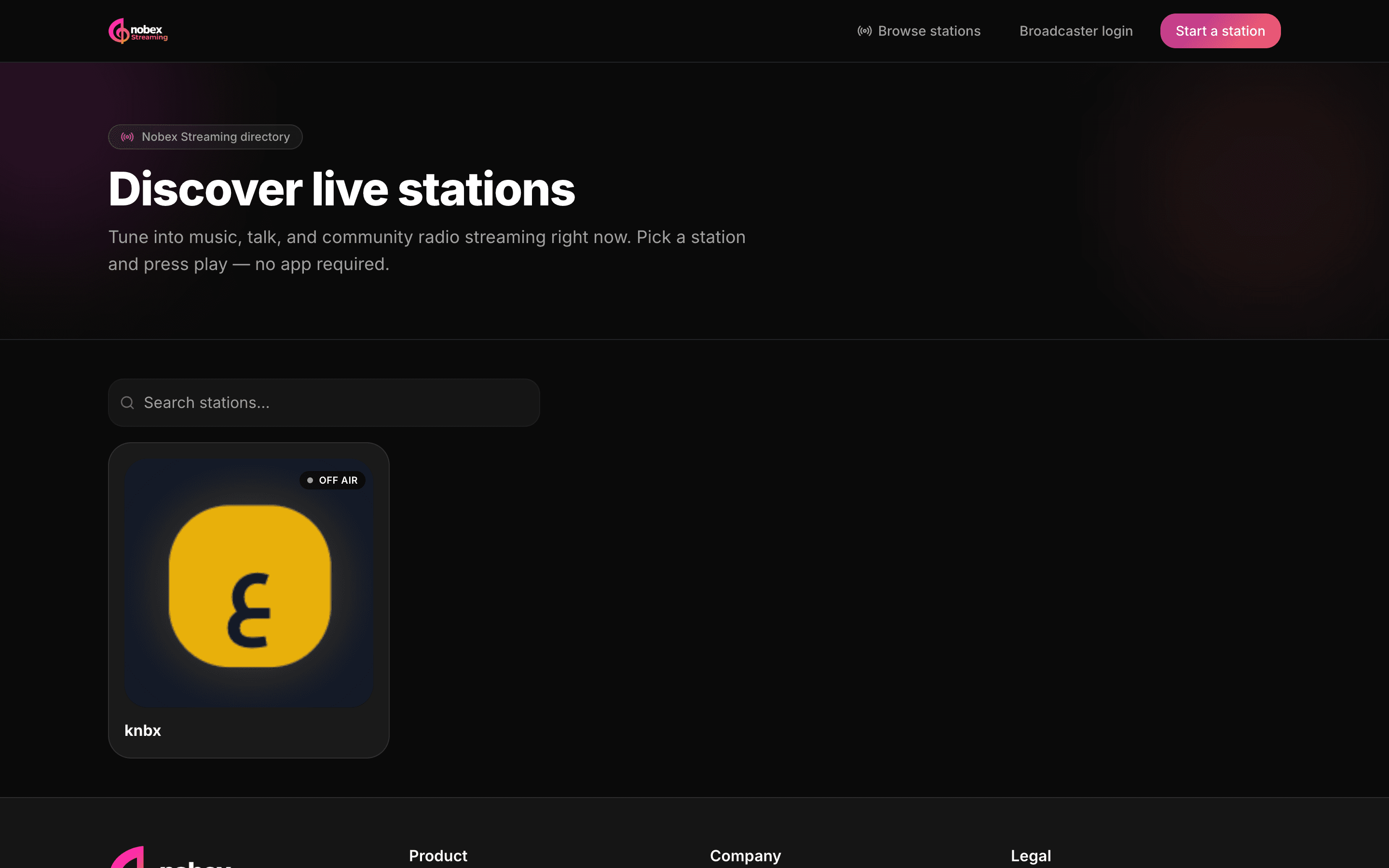
Your public page is off by default — you decide when to go live to the world. To publish, open Settings → Profile and tick “List this station publicly.” Saving it does two things at once: it enables your listener page at /stations/<your-station-id>, and it adds your station to the browsable public [station directory](/stations).
- 1Open Settings from the station menu and stay on the Profile tab.
- 2Fill in Display Name, Description and Genre so your listing looks complete.
- 3Tick “List this station publicly.”
- 4Click Save Profile — then use “View listener page →” to see exactly what listeners will.
Fill in your profile before you publish
The directory shows your logo, genre and description, and listeners search across all three. Add your station logo (in Programming → Tracks), pick a genre and write a one-line description first — a complete card gets far more clicks than a blank one.
Embed the player on your own site
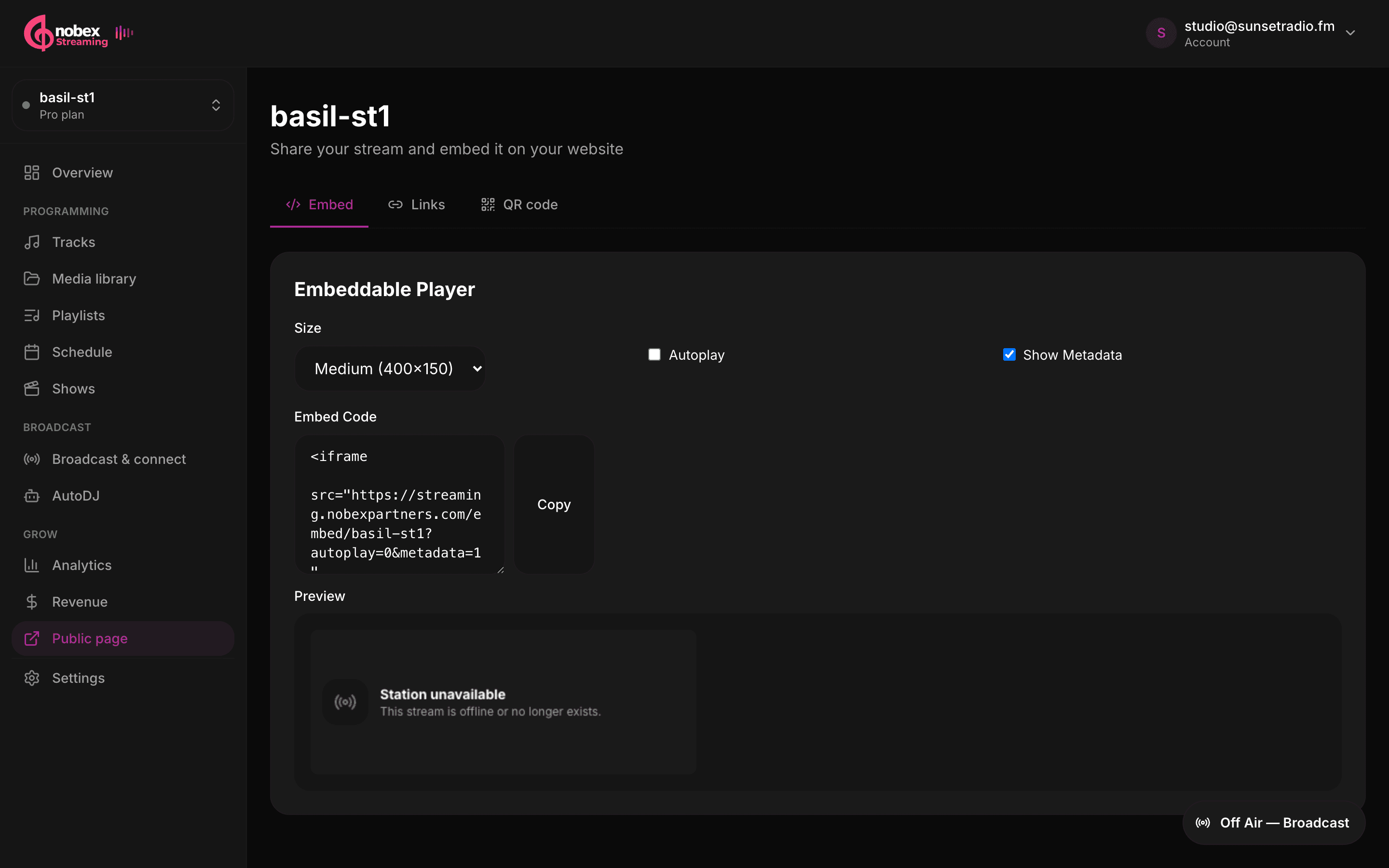
Want the player on your own website or blog instead of sending people away? Open Share & Embed from the station menu and stay on the Embed tab. Configure the widget, then copy the one-line <iframe> snippet and paste it into your page's HTML. A live Preview shows exactly what your visitors will see.
- Size — pick Small (300×100), Medium (400×150) or Large (600×200) to fit your layout.
- Autoplay — start playing as soon as the page loads (off by default; most browsers block audio autoplay anyway, so leave it off unless you know your context).
- Show Metadata — display the live now-playing title and artist inside the widget (on by default).
No need to be listed publicly
The embed player works whether or not your station is in the public directory. If you'd rather drive listeners to your own site than to a Nobex page, embed the widget and skip the publish toggle.
Share links and social
On the Links tab of Share & Embed you'll find copy-ready stream links plus one-click share buttons for Facebook, Twitter/X and WhatsApp. Two stream links are worth knowing apart:
- Listen page — the share-this link for social posts, bios and flyers. Opens a branded player in any browser.
- HLS / CDN stream link — for your own website, app or any HTML5 player. Adaptive AAC over a global CDN.
On your public page itself, listeners get their own Share row — a copy-link button, X and Facebook, and the native share sheet on phones — so your audience can spread the word without you lifting a finger. Which link to use where is covered in Stream quality and delivery.
QR code for the real world
The QR code tab generates a scannable code pointing straight at your station. Click Download QR Code to save a PNG you can drop onto anything printed — flyers, posters, business cards, event signage, the back of a van. A quick scan takes someone from the physical world to your live stream in seconds.
Put the QR where your audience already is
Print it on gig flyers, merch and venue posters. Because it resolves to your public page, first-time scanners land on a real player with your now-playing and schedule — a much warmer welcome than a bare stream URL.
Where to go next
Now that people can find and play your station, tune the experience and start earning:
- Understand the two delivery formats in Stream quality and delivery.
- Get your now-playing text and royalty reports right in Metadata and royalties.
- Turn your growing audience into revenue with tips, memberships and sponsors.
Keep reading
Ready to put this into practice?
Start a free trial and be on air in under five minutes — no software to install.
Start streaming free